Cart widgets
Cart popup
The Cart Popup is the highest-intent surface in your store. It fires when the customer clicks Checkout from the cart page or drawer — they've made the buying decision, they're about to pay, and a single relevant offer at this exact moment lifts AOV more than any other widget.
Three layouts cover the three psychological angles that work at checkout-time: a single hero recommendation, a mini bundle, or a multi-select add-on list.
Layouts
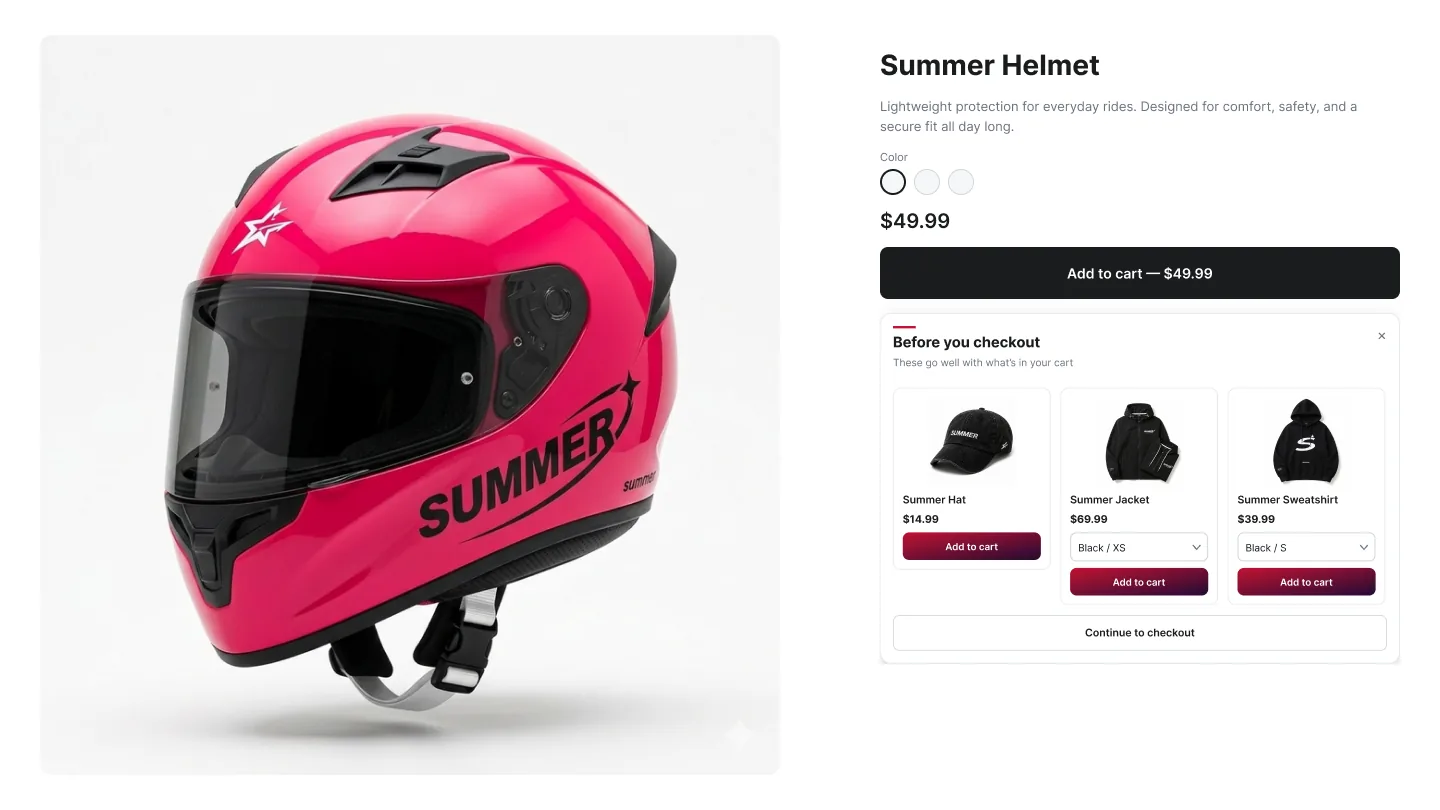
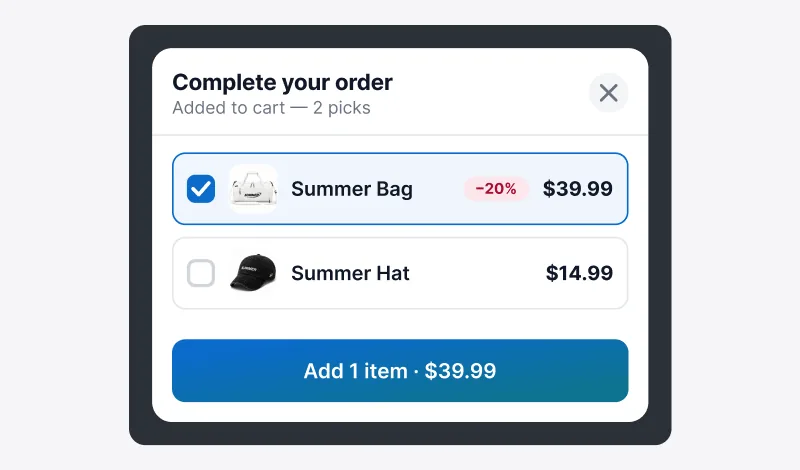
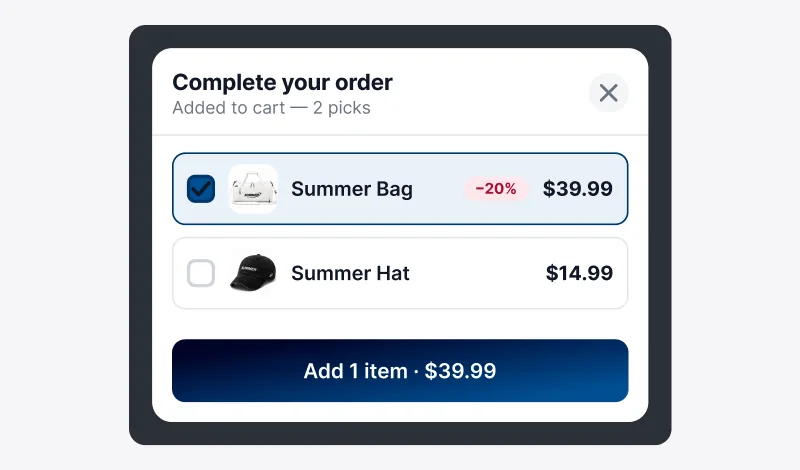
How to create a Cart Popup campaign
In the Summer Upsell admin
- 1 Click + New campaign → Cart Popup.
- 2 Pick Cart Popup — Cross-sell, — FBT, or — Add-ons.
- 3 Offer name (e.g. Pre-checkout — Gift wrap).
- 4 Trigger: usually All Products (the popup fires for every cart-to-checkout transition) or Specific Collections for scoped offers.
- 5 Pick the Upsell Source and products.
- 6 Optional: enable discount.
- 7 Design tab: preset, Widget Title (e.g. One last thing), Button Text.
- 8 Save.
In the Shopify theme editor
- 1 Open Online Store → Themes → Customize.
- 2 Switch to the Cart template.
- 3 Click Add block anywhere on the cart section (position doesn't matter — the popup is a full-screen overlay).
-
4
Pick Summer: Cart Popup from the Apps section. (Note: this block targets
body, so it intercepts the Checkout click globally for the cart page.) - 5 Repeat for the Cart drawer section if your theme uses one.
- 6 Click Save.
Design tab
Every campaign opens on the Offer tab. The Design tab next to it controls how the widget looks on the storefront. The same set of controls is reused across nearly every widget type, so once you learn it on one campaign the rest are familiar.
Tip: Click any color preset to seed every color field at once, then nudge the individual swatches. Faster than building a palette from scratch.
Languages tab
If your shop runs multiple locales, the Languages tab lets you override Widget Title and Button Text per locale. Six locales ship out of the box: English, Spanish, French, Arabic, Turkish, Russian. Anything you leave blank falls back to the campaign default from the Design tab.
Trigger and frequency
- Fires when the customer clicks the Checkout button on the cart page or drawer.
- Show-once-per-session by default — returning customers see a fresh trigger after their session expires.