جديد: Frequently Bought Together v2 — أسرع وأكثر ذكاءً.اقرأ المزيد
Getting started
Introduction
Summer Upsell is a full-funnel upsell & cross-sell app for Shopify. It ships ten widget types — from product-page bundles to post-purchase offers — on simple monthly plans tiered by order volume, with a Free plan included.
What's included
- 10 widget types across the product page, the cart and the thank-you page.
- Three product sources — hand-picked products, Automated recommendations (Shopify's related / complementary products) and credit-based Summer AI powered by ChatGPT.
- Native Shopify discounts — automatic or code-based discounts managed by our discount function, single-use dynamic codes, or your own existing code. Always applied at checkout, never a hack.
- Multi-language — translate every widget for any language your store publishes.
- Analytics — impressions, add-to-carts, conversions and revenue per campaign, with date ranges and period comparison.
- Non-performing campaign alerts (Pro plan) — campaigns that get views but no sales are flagged for review.
The 10 widget types
What it looks like on the storefront
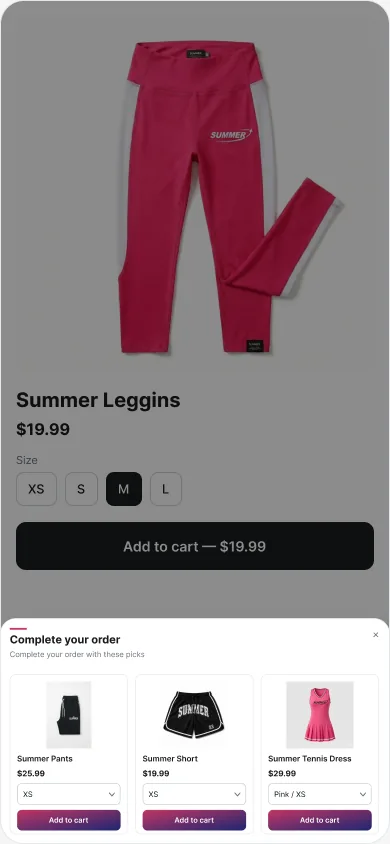
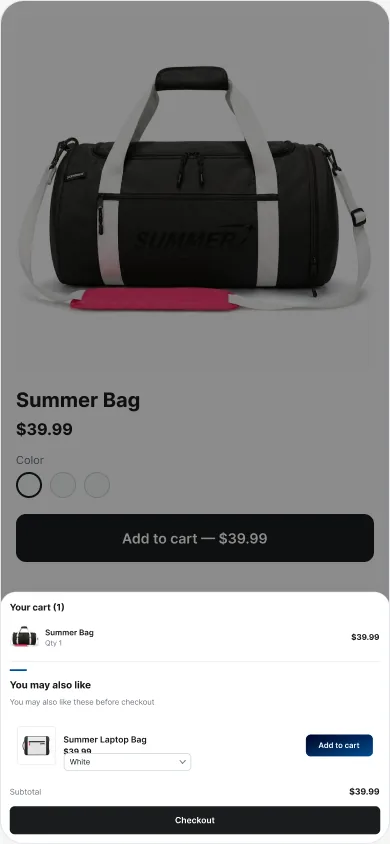
Every widget renders inside your own theme, using your fonts and colors by default. These are real captures from a demo store.
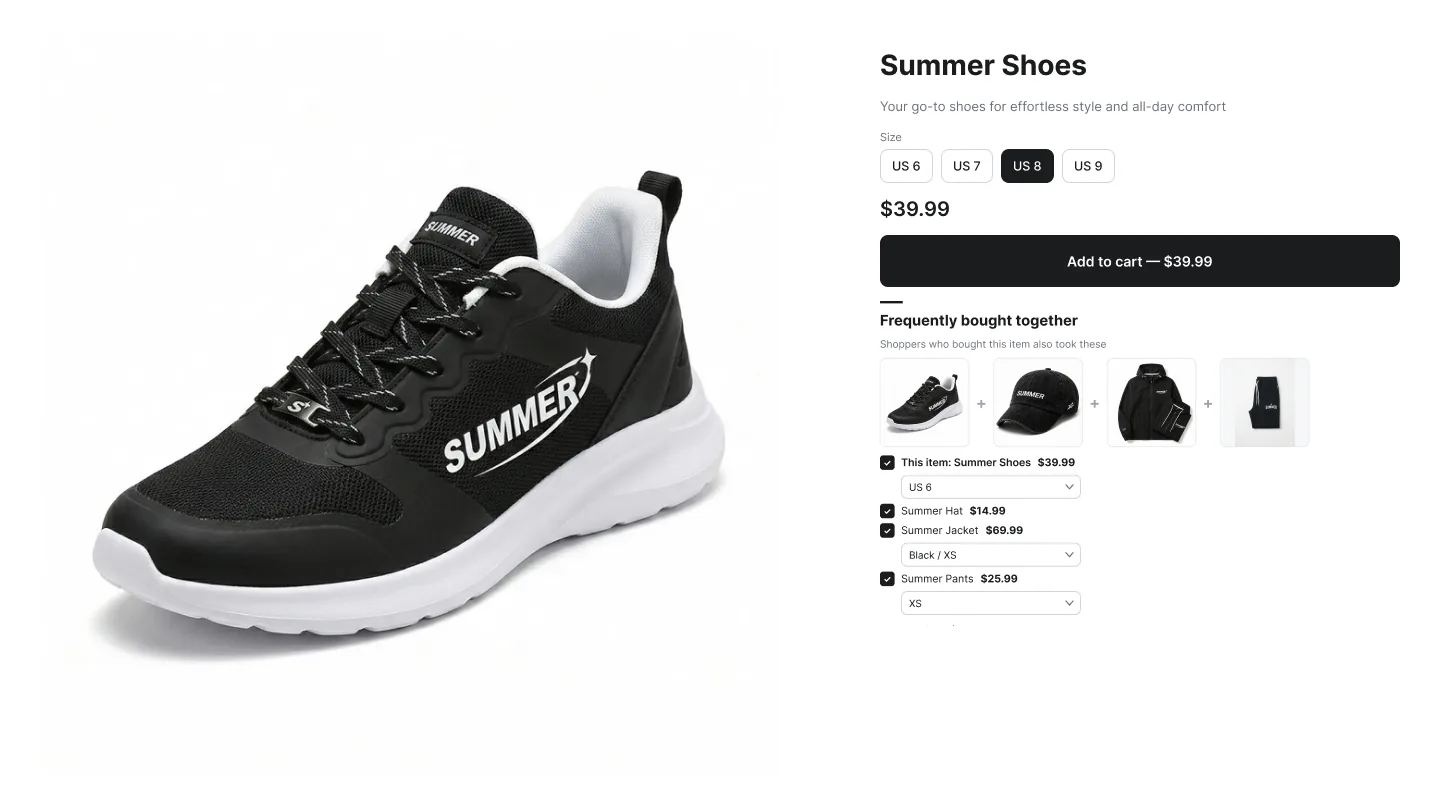
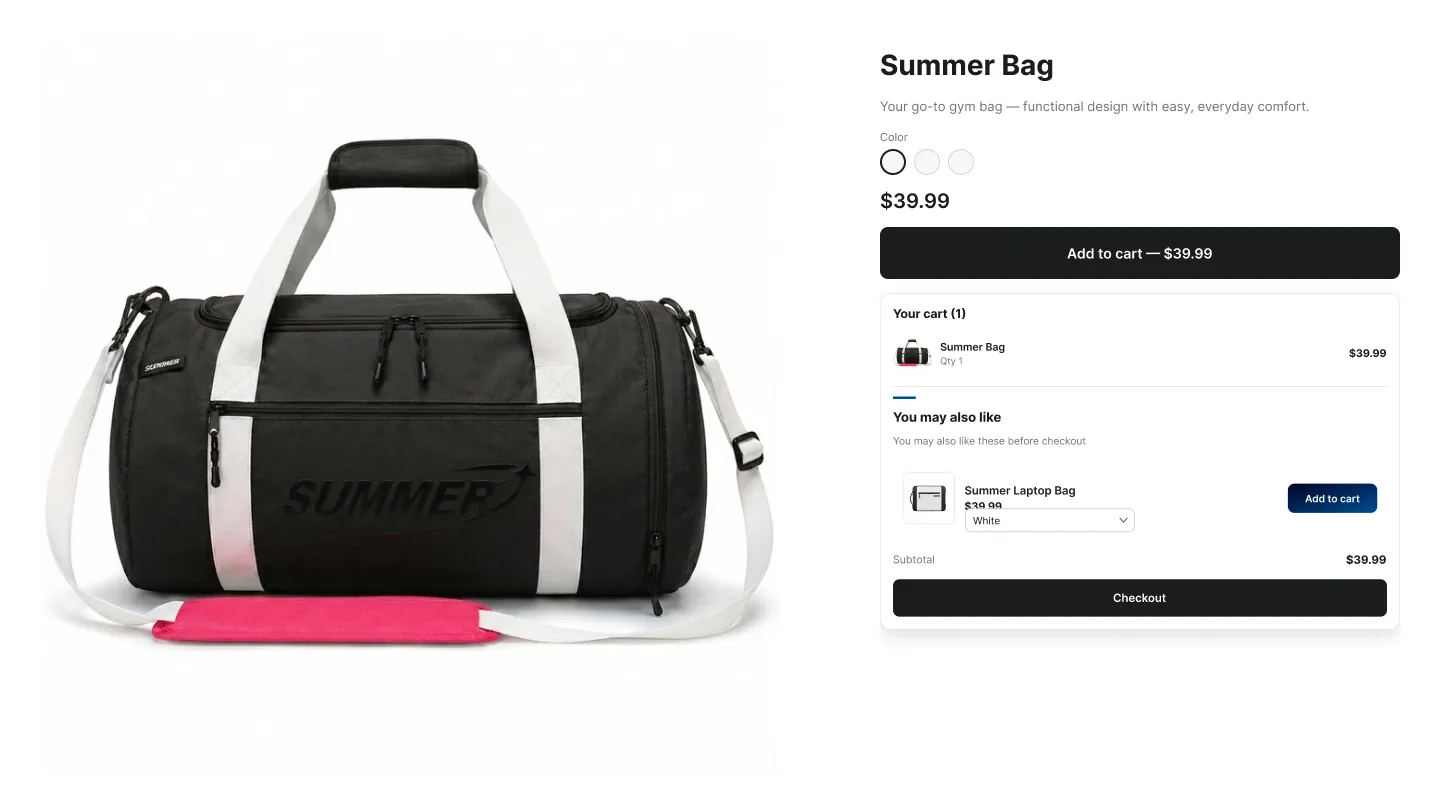
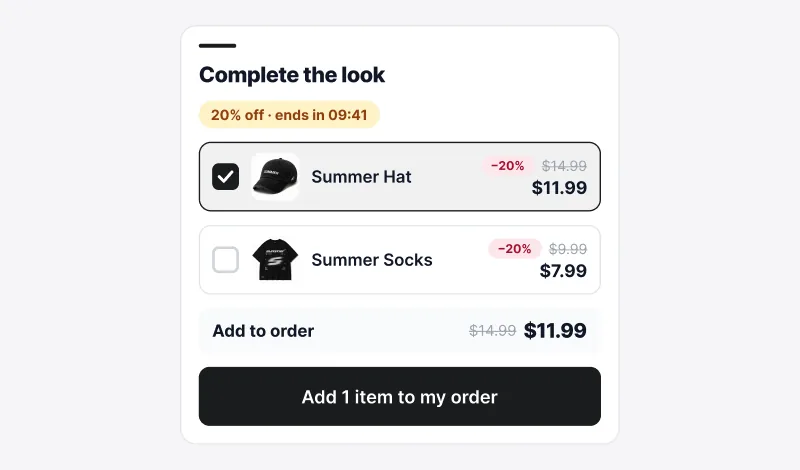
Mobile
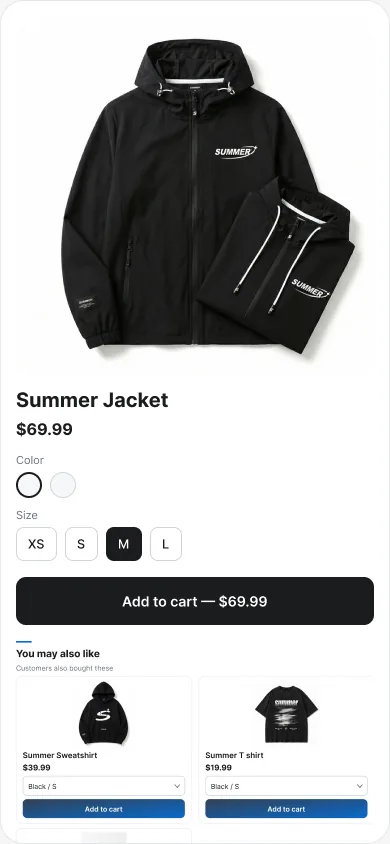
Every layout is responsive. Carousels become swipeable, add-on lists stack, and popups turn into a bottom sheet with a large dismiss target.
How it works
- Install the app from the Shopify App Store.
- Enable the Summer Upsell app embed in your theme — one toggle, done once.
- Create a campaign in the admin — pick a placement, a widget, a trigger and a product source.
- Add the matching theme block (e.g. ✨ Summer: FBT Bundle) to the page where you want it to render. Cart Popup needs no block, and Post-Purchase installs from Settings → Checkout → Customize instead.
- Publish — the widget picks up the campaign automatically.
Compatibility
- Shopify Online Store 2.0 themes (themes that support app blocks).
- Every Shopify plan.
- Multi-language stores using Shopify Markets / Translate & Adapt.